

One standard across locations, without running them all the same.
Set services, access, reporting, and guardrails across the business while local teams stay focused on the day in front of them.
Operations · Services
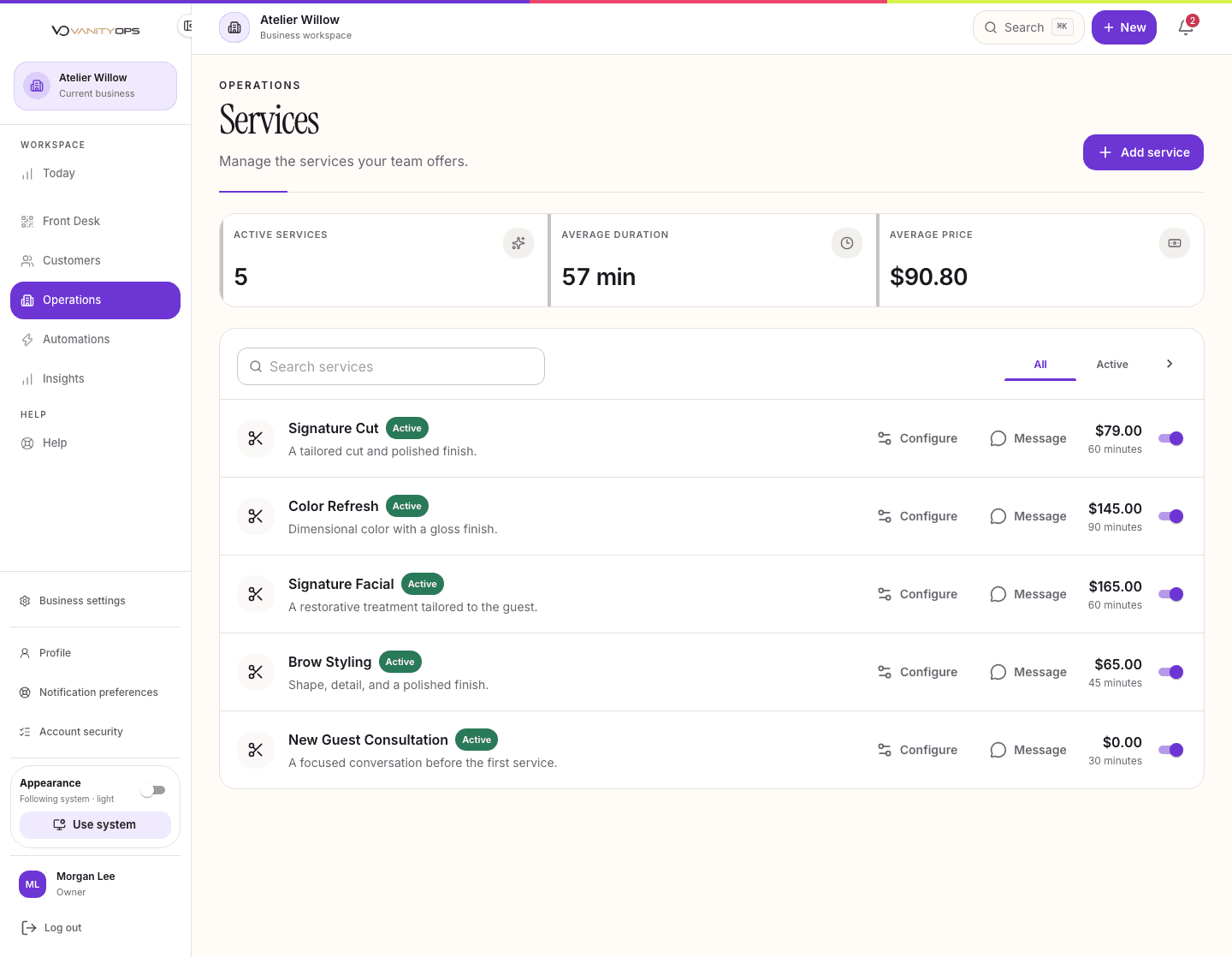
As locations grow, small differences in settings, permissions, and reporting become harder to see and harder to correct.
01
Set the business standard
02
Assign location access
03
Run each location
04
Review the group
05
Use what you learn
The improvements your team will notice.
Consistent control
Advanced permissions make responsibility easy to understand.
Room to run locally
Each team works with the services, staff, and customers for its location.
A view across the group
Scale connects reporting and inbox activity across locations.
The right products, already connected.
Operations
Create a consistent foundation that is easier to manage and grow.
See details
Appointments & Calendar
Keep the team aligned on who is booked, where they need to be, and what comes next.
See details
Inbox & Messaging
Let the right teammate step in with confidence while staff-only notes stay private.
See details
Insights
Know where the business needs attention and act with confidence.
See details
Scale adds advanced permissions, cross-location reporting, and rollout support for multi-location teams.
Explore how this solution fits a familiar day.
Multi-Location Service Businesses
Each location has its own schedule, team, customers, and pace. The business still needs shared services, permissions, reporting, and a dependable way to roll out change.
See details
Med Spas
Consultations, longer appointments, provider and room needs, pre-visit preparation, and repeat services create a journey that extends well beyond the calendar.
See details
Auto Detailers
An interior clean and a full detail leave very different demands on the day. Bays fill up, work can run longer than planned, and customers need a clear update before they come back for pickup.
See details
Ready to make the day work better?
Choose the plan that fits your team today, or talk with Sales about rollout and growth.